
OurChurchLink App
Welcome to OurChurchLink!
OurChurchLink is your digital gateway to staying connected with your church community. This user-friendly app brings together worship, fellowship, and spiritual growth right to your mobile device.
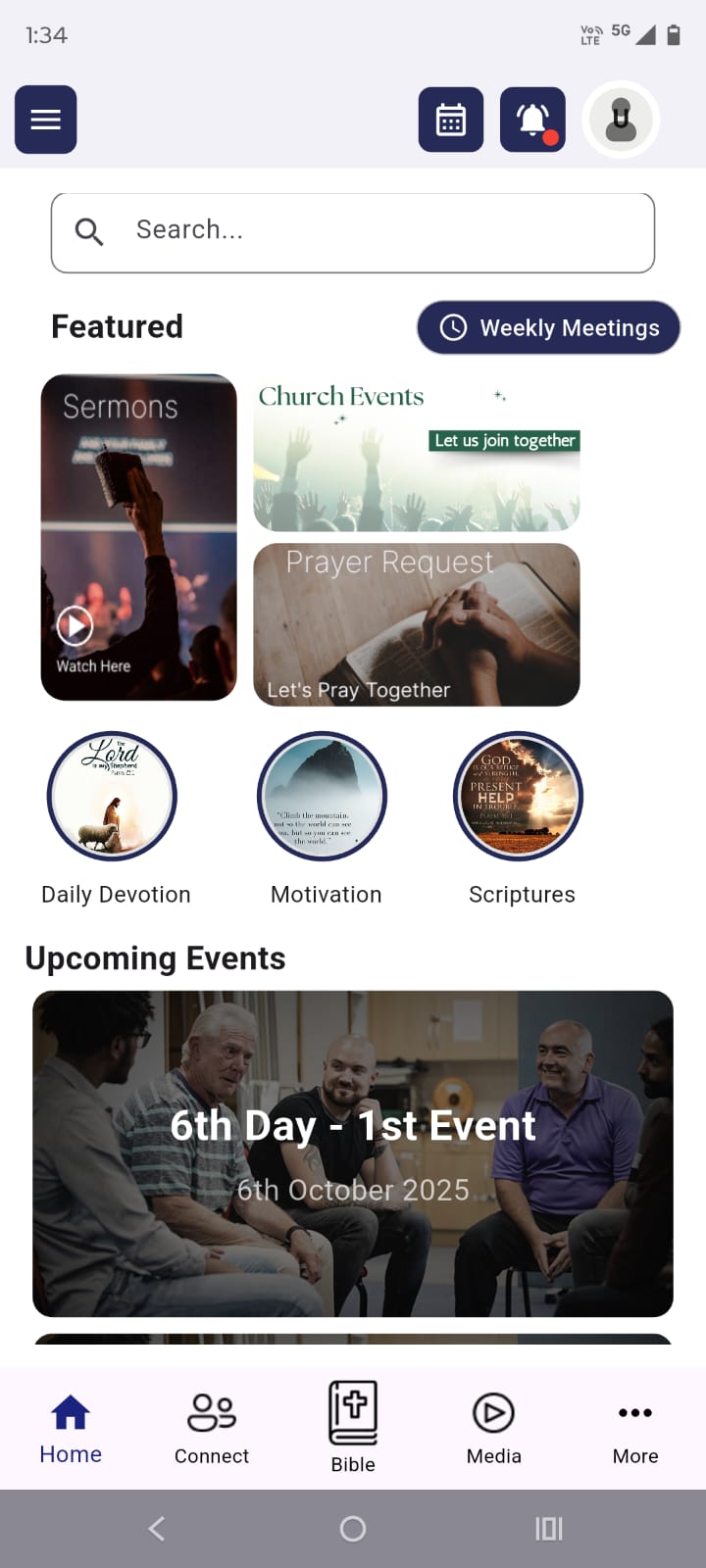
OurChurchLink App - User Manual
Getting Started
Download & Installation
- Android Users: Download from Google Play Store
- iOS Users: Download from Apple App Store
- Search for “OurChurchLink App” and install
Creating Your Account
- Open the app and tap “Sign Up”
- Enter your details:
- Full Name
- Email Address
- Phone Number
- Create a secure password
- Agree to Terms & Privacy Policy
- Tap “Create Account”
Note: New accounts require admin approval. You’ll receive a notification once approved.
Signing In
- Email & Password: Use your registered email and password
- Google Sign-In: Tap “Sign in with Google” for quick access
- Remember Me: Check this option to stay logged in
Forgot Password?
- Tap “Forgot Password” on login screen
- Enter your registered email
- Check your email for reset instructions
- Follow the link to create a new password
Home Screen Features
Your home screen is your spiritual dashboard with quick access to:
🔍 Search Function
- Tap the search bar at the top
- Find sermons, events, members, or any content quickly
👨💼 Connect with Pastor
- Direct chat access to pastoral team
- Tap to start a secure conversation
- Available for verified members only
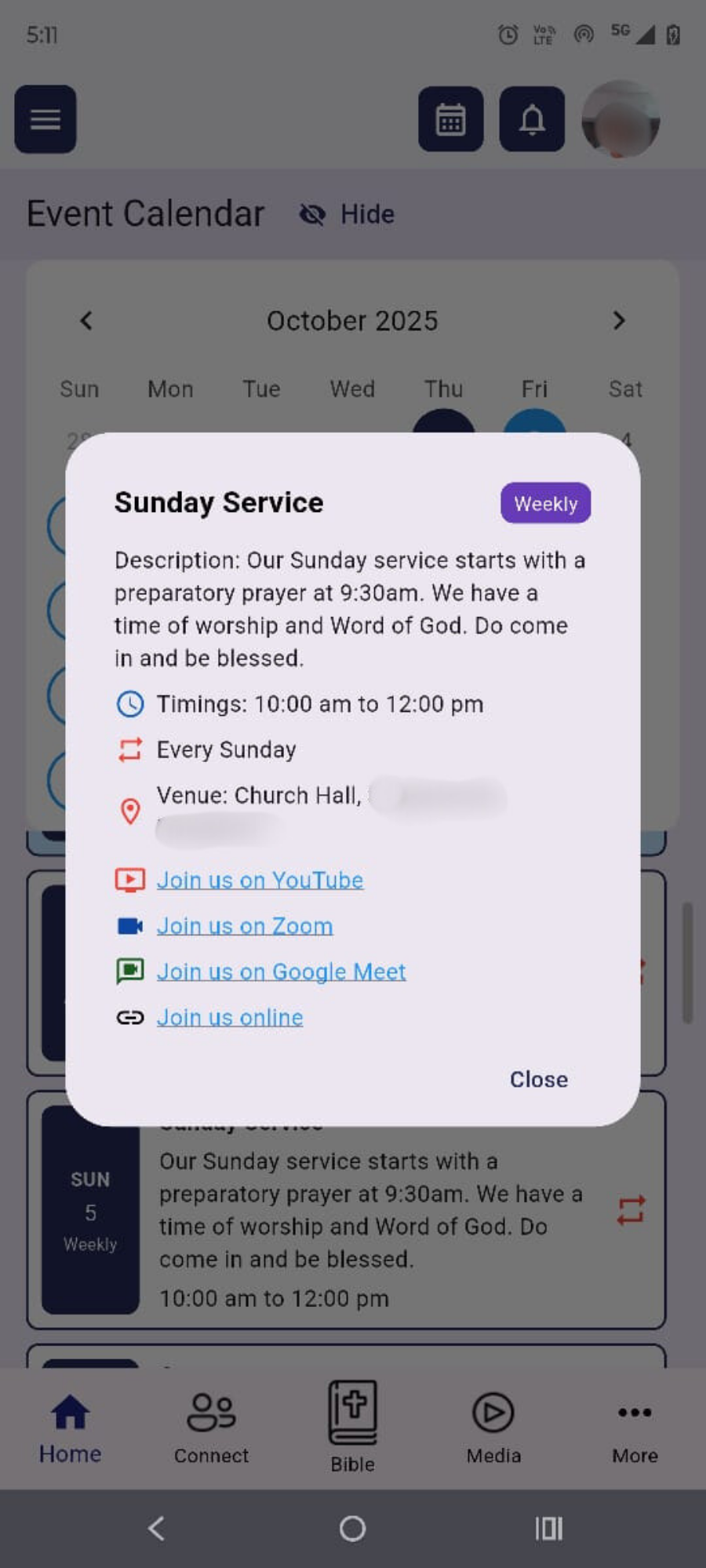
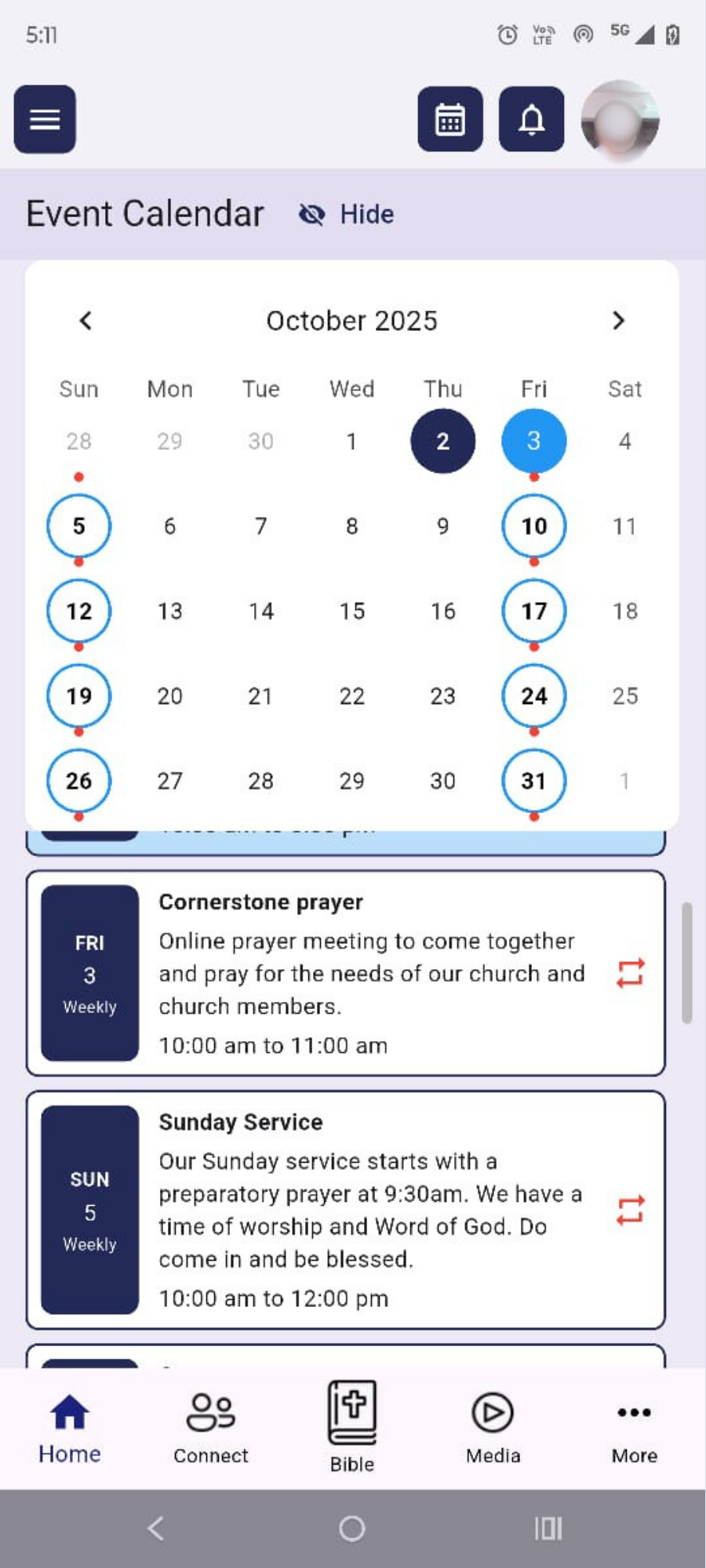
📅 Church Events Calendar
- View upcoming church events
- Tap any event for details
- Add events to your personal calendar
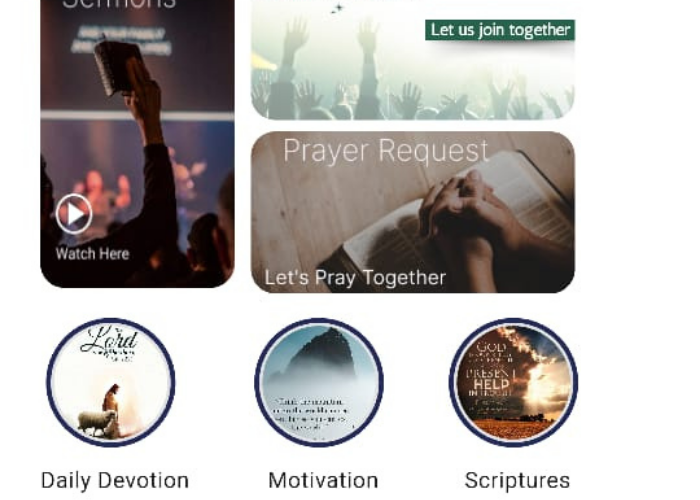
🎵 Daily Devotion
- Fresh devotional content updated daily
- Tap to read today’s message
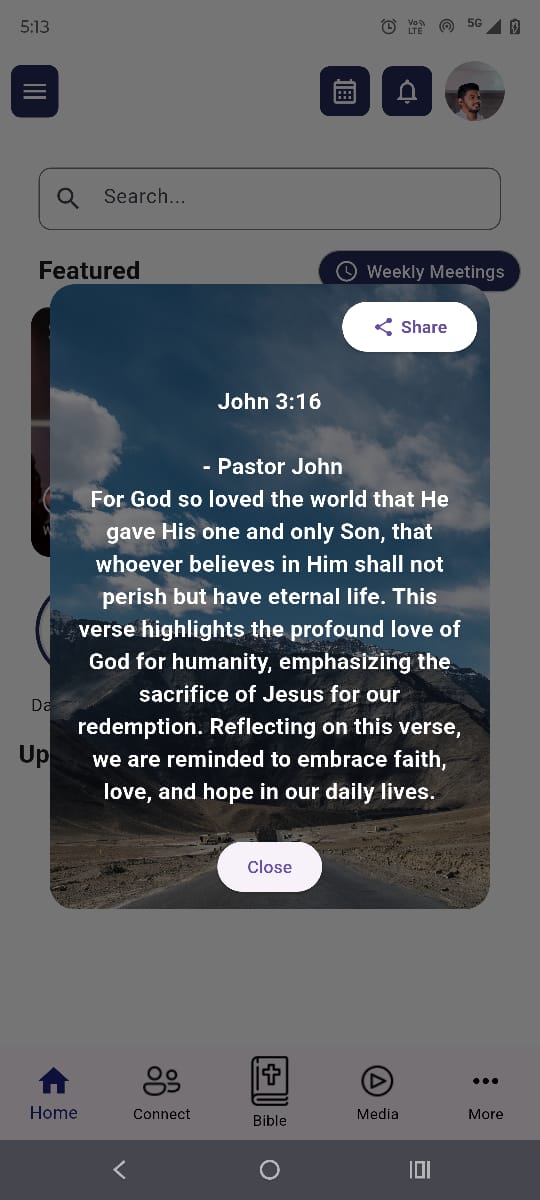
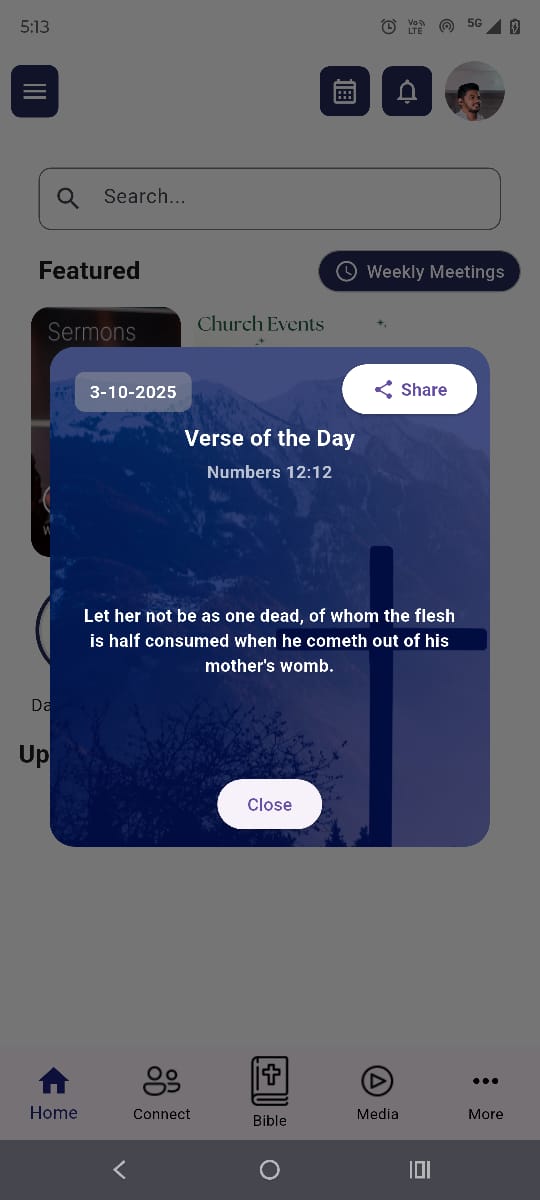
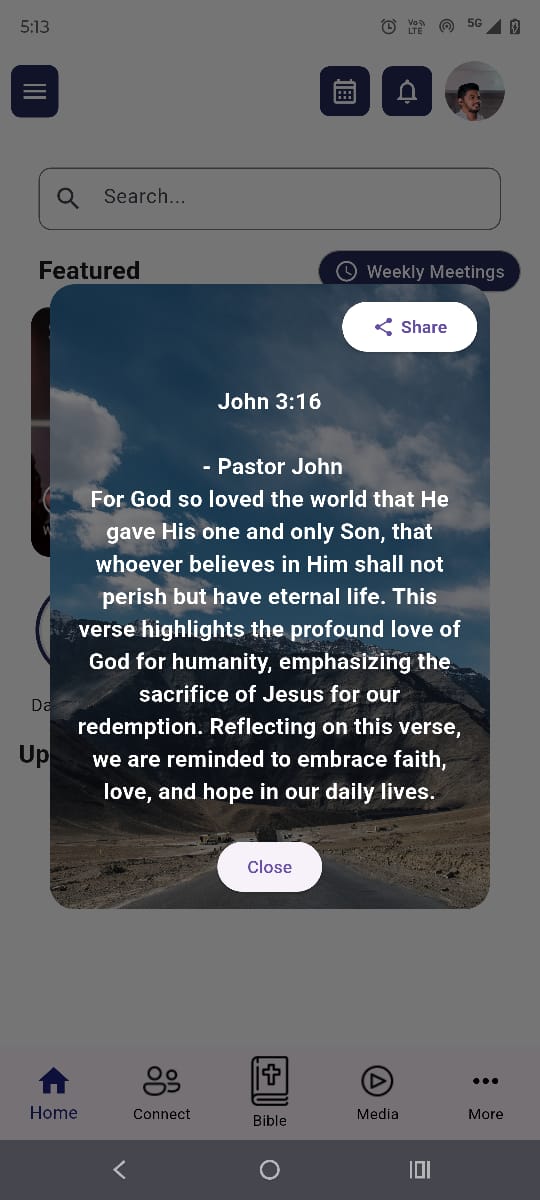
📖 Verse of the Day
- Daily Bible verse for inspiration
- Share feature available (WhatsApp, social media)
💪 Motivational Quotes
- Inspirational quotes to uplift your day
- Easy sharing options
Navigation Guide
Bottom Navigation Bar
🏠 Home
Your main dashboard with daily content and quick actions
🤝 Connect
- Pastoral Team: Chat with church leaders
- Event Requests: Request weddings, baptisms, child dedications, engagements
- Prayer Requests: Submit and view prayer needs
- Testimonies: Share and read testimonies
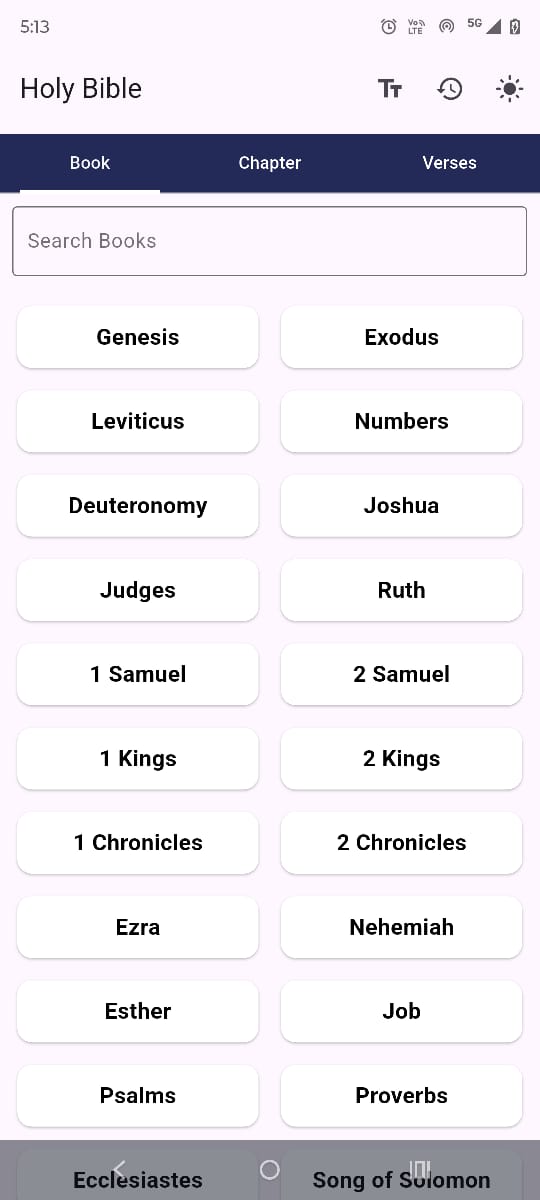
📖 Bible
- Full King James Version (KJV) Bible
- Advanced search functionality
- Adjustable text size
- Reading history
- Dark mode option
- Offline access available
📺 Media
- Live Streaming: Watch current and past services
- Sermons: Browse and watch sermon library
- Praise & Worship: Listen to worship songs
- Podcasts: Access church podcast content
- Playback controls (speed adjustment, 30-second skip)
👤 Profile
Manage your personal information and app settings
Top Right Menu
📅 Calendar Icon
- View all church events
- Personal event integration
- Event reminders and notifications
🔔 Bell Icon (Notifications)
- Church announcements
- Event reminders
- Prayer request updates
- Live stream notifications
- Chat messages
Key Features
📱 Weekly Announcements
- Stay updated with church news
- Organized by categories (events, sermons, youth group)
- Push notifications for urgent updates
- Sync with your personal calendar
💰 Donation Portal
- Secure donation options:
- Tithes
- Offerings
- Event-specific donations
- Ministry support
- Other causes
- View your donation history
- QR code and bank details for direct transfer
- Note: App displays payment information; actual transactions happen externally
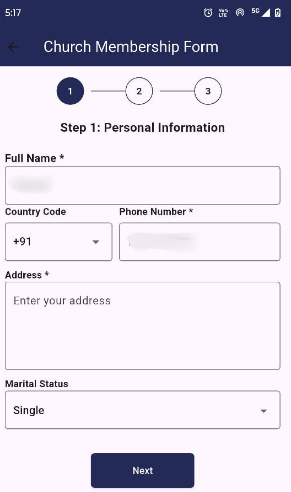
👥 Membership Application
- Go to left panel menu
- Select “Become a Member”
- Fill out the application form
- Upload required documents:
- Proof of residence
- Baptism certificate
- Other relevant certificates
- Submit for review
🙏 Prayer Requests & Testimonies
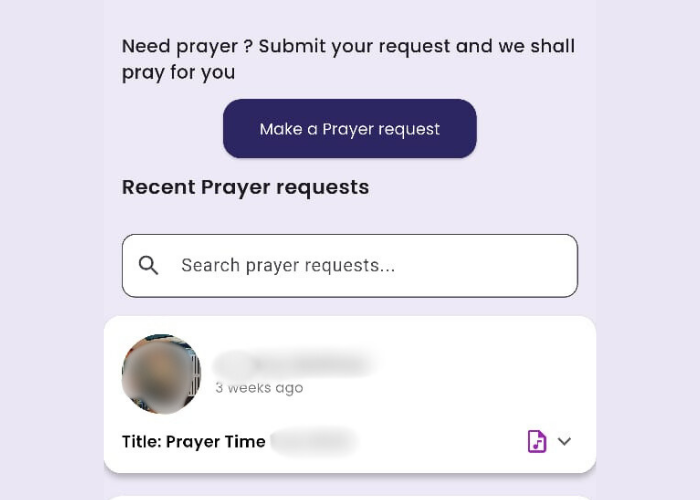
Submitting Prayer Requests:
- Tap Connect → Prayer Requests
- Tap “New Prayer Request”
- Choose privacy level:
- Public: Visible to all app users after approval
- Private: Only church leadership can see
- Add content:
- Text description
- Audio recordings
- Images
- Submit your request
For Public Prayer Requests:
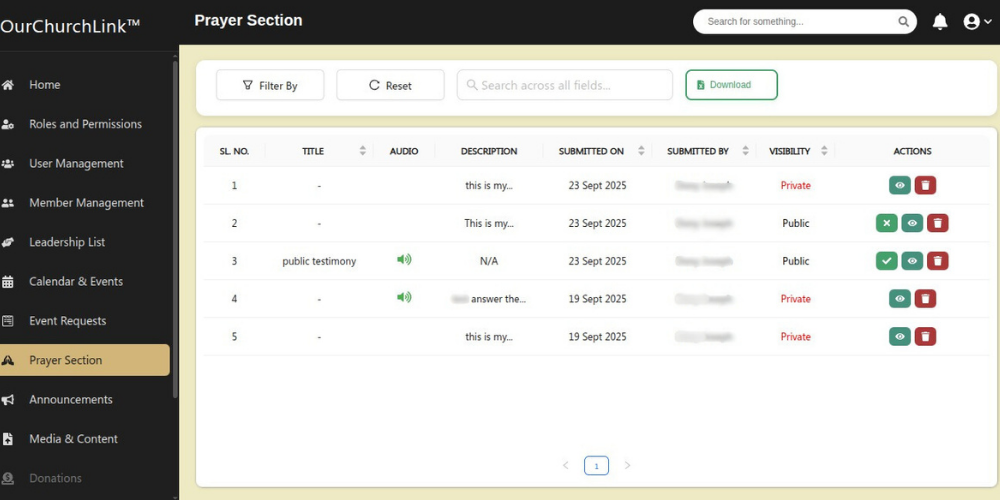
- Your request goes to the Prayer Team & Pastoral Team for review
- They may suggest changes or edits
- Once approved, it appears for all app users to see
- You’ll receive notifications about status updates and any comments
Sharing Testimonies:
- Tap Connect → Testimonies
- Tap “Share Testimony”
- Choose privacy level:
- Public: Visible to all app users after approval
- Private: Only church leadership can see
- Add your testimony content:
- Text story
- Audio recordings
- Images/photos
- Documents (certificates, photos, etc.)
- Submit for review
For Public Testimonies:
- Your testimony is reviewed by the Prayer Team & Pastoral Team
- They may provide feedback or suggest modifications
- Once approved, it’s published for the entire church community
- You’ll be notified of approval status and any admin comments

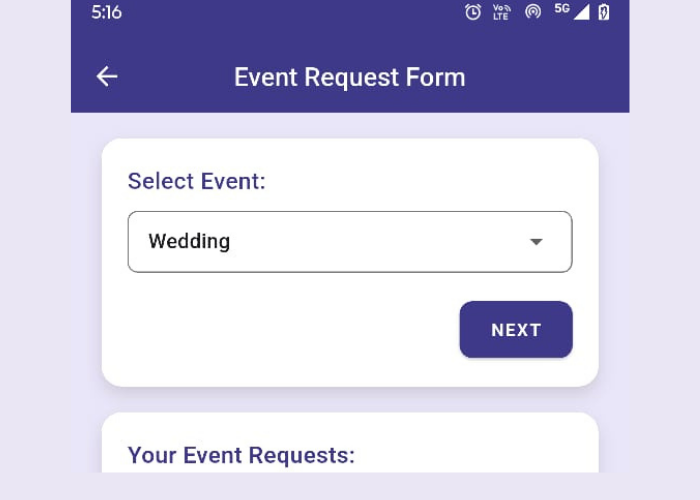
📋 Event Requests
Request pastoral services for special occasions:
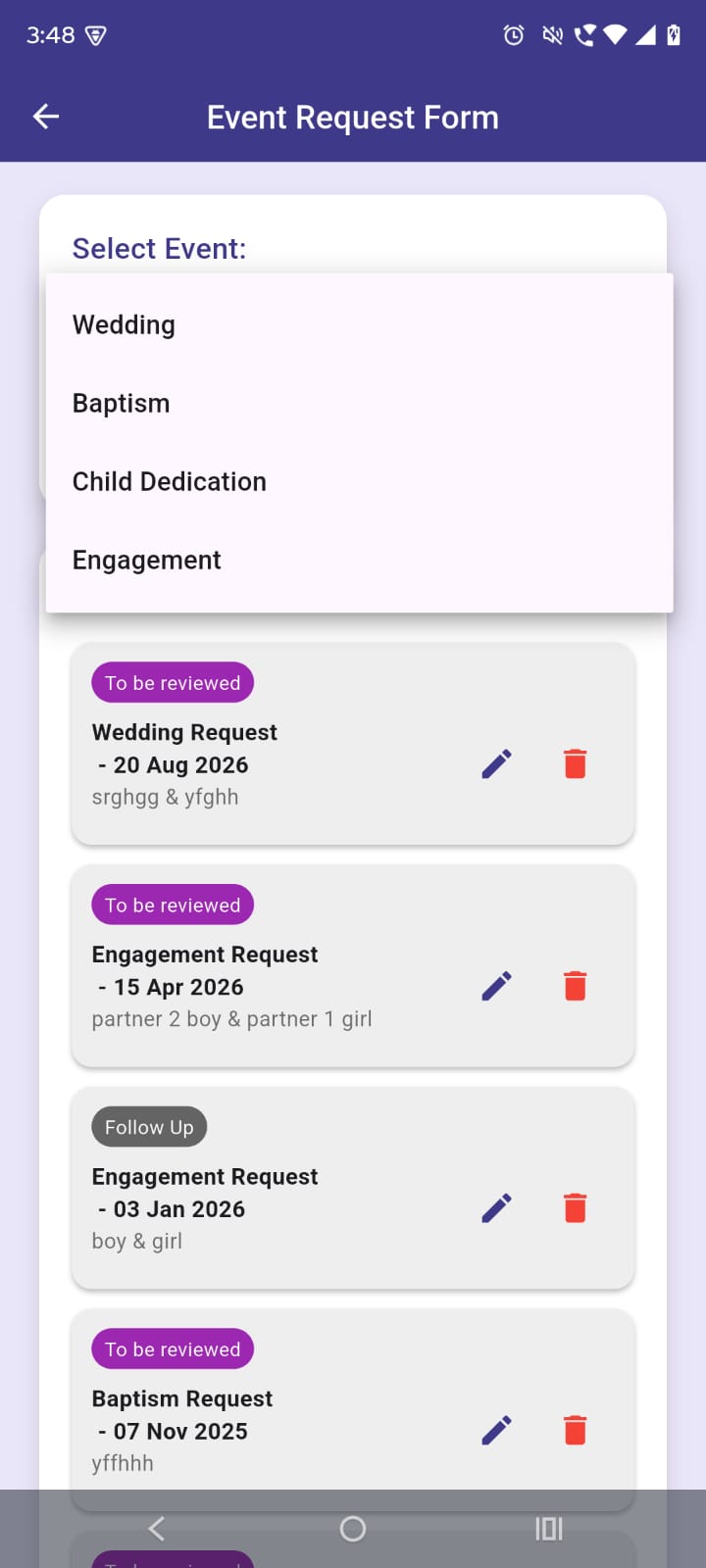
Available Services:
- Weddings
- Baptisms
- Child Dedications
- Engagements
How to Request:
- Go to Connect → Event Requests
- Select the type of event
- Fill out the specific form with:
- Preferred dates
- Contact information
- Special requirements
- Submit your request
- Track request status and admin comments
- Receive notifications for updates
Profile Management
Updating Your Profile
- Tap Profile in bottom navigation
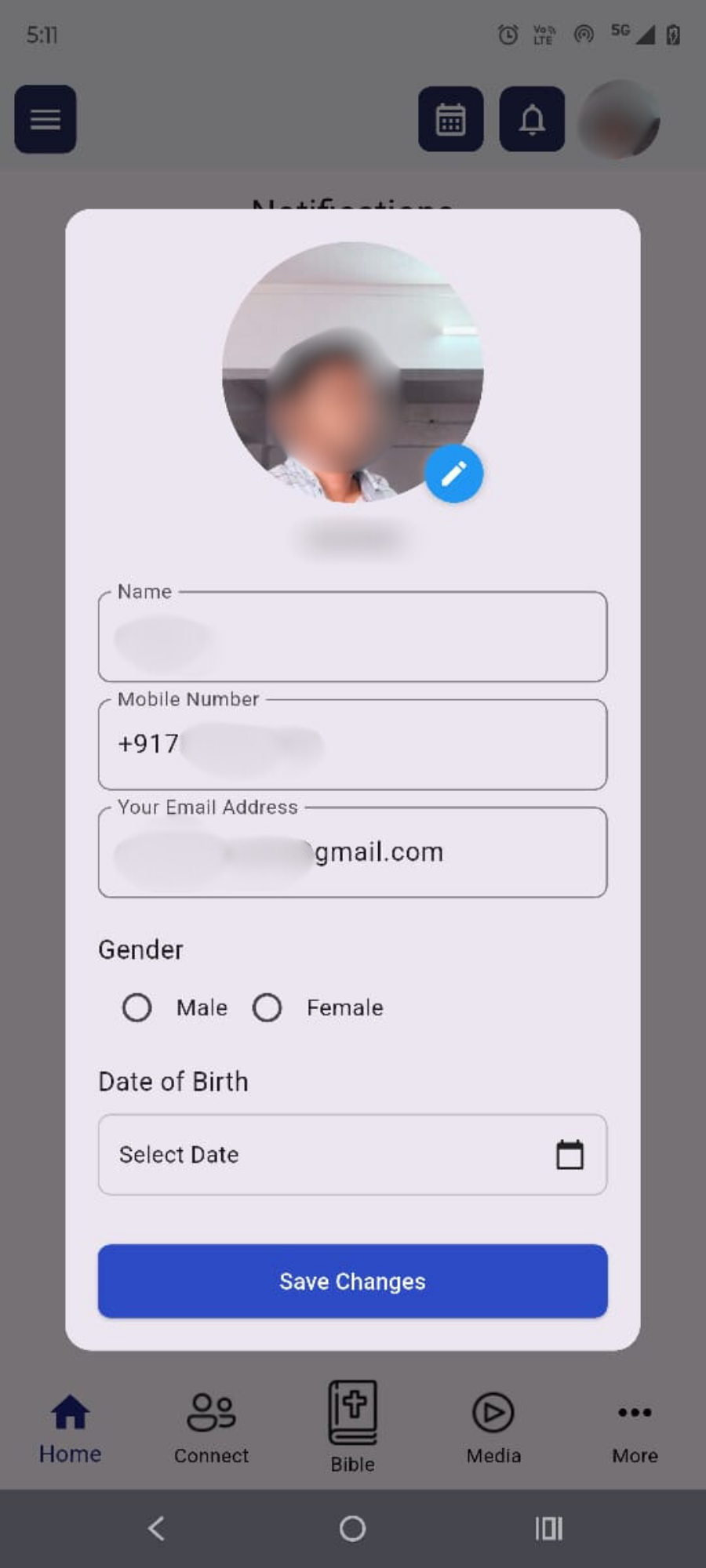
- Tap “Edit Profile”
- Update your information:
- Name and contact details
- Profile picture (optional)
- Personal preferences
- Save changes
Notification Settings
- Control which notifications you receive – mute notification feature
- Set quiet hours
Privacy Settings
- Control visibility of your information
- Manage prayer request privacy
- Set testimony sharing preferences
Thank you for being part of the church community through OurChurchLink!
For technical support or questions about this manual, please contact your church’s technical support team.
May this app strengthen your faith journey and deepen your connection with our church family.
Support & Contact
Getting Help
- In-App Support: Use the contact form in settings
- Account Issues: Contact church administration
- Technical Issues: Reach out at support@ourchurchlink.com
Trouble Shooting
Cannot Sign In?
- Check your internet connection
- Ensure you are using the correct email and password
- Try the “Forgot Password” option
- Contact admin if account needs approval
Not Receiving Notifications?
- Check notification permissions in your device settings
- Verify you have enabled notifications for Church events, approvals, prayer requests and testimonies,
- Check if your submission is still under review
- Contact the Church Admin if you haven’t heard back within a week
-
My Public Prayer Request/Testimony has not appeared in the App for others
- Review the feedback provided by the Prayer Team
- Make suggested modifications and resubmit
- Contact church leadership if you need clarification
- Consider submitting as private if unsure about public sharing
Media is not Playing?
-
Check internet connection
-
Try restarting the app
-
Ensure device volume is turned up
-
Clear app cache (Android) or restart app (iOS)
Unable Upload Media to Membership form/Event Requests/Prayer Requests/Testimonies?
- Check file size limits:
- Images: Under 10MB each
- Audio: Under 50MB each
- Documents: Under 10MB each
- Ensure files are in supported formats:
- Images: JPG, PNG, HEIC
- Audio: MP3, WAV, AAC
- Documents: PDF, DOC, DOCX
- Check storage permissions on your device
- Try uploading one file at a time
Facing Live Stream Issues?
- Ensure strong internet connection
- Close other apps using bandwidth
- Restart the app
- Contact support if problems persist
-
App Screens
Faith Community Made Simple
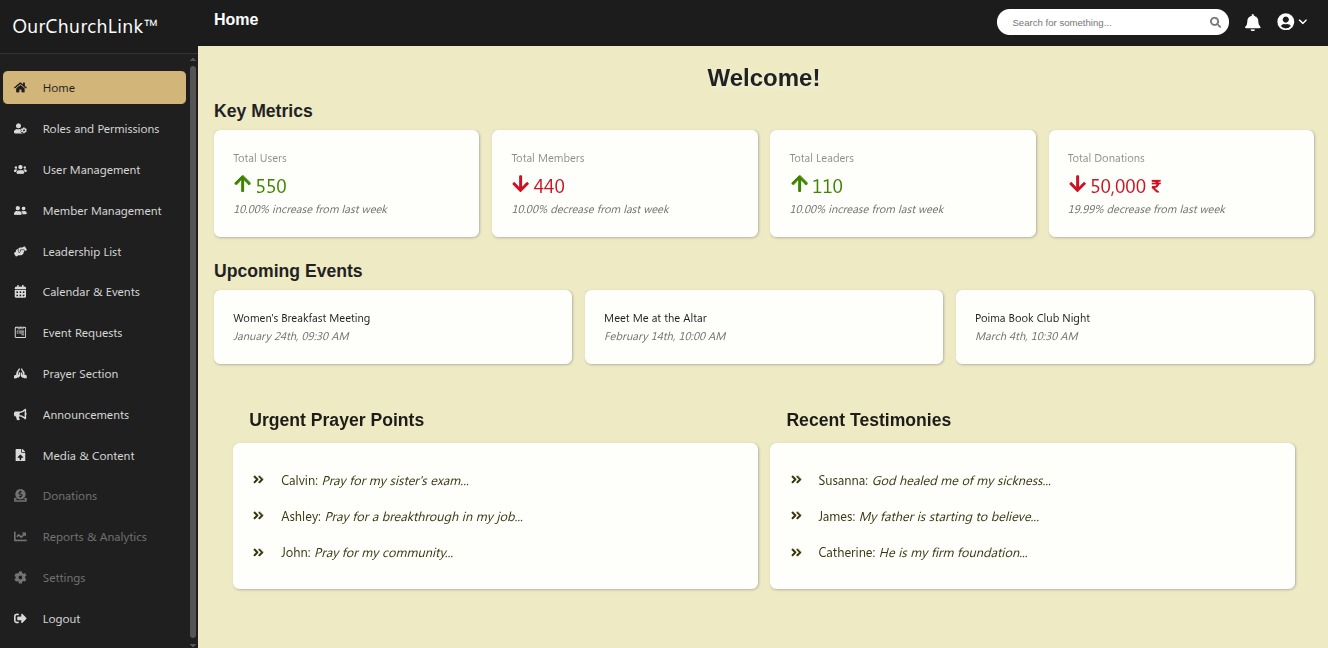
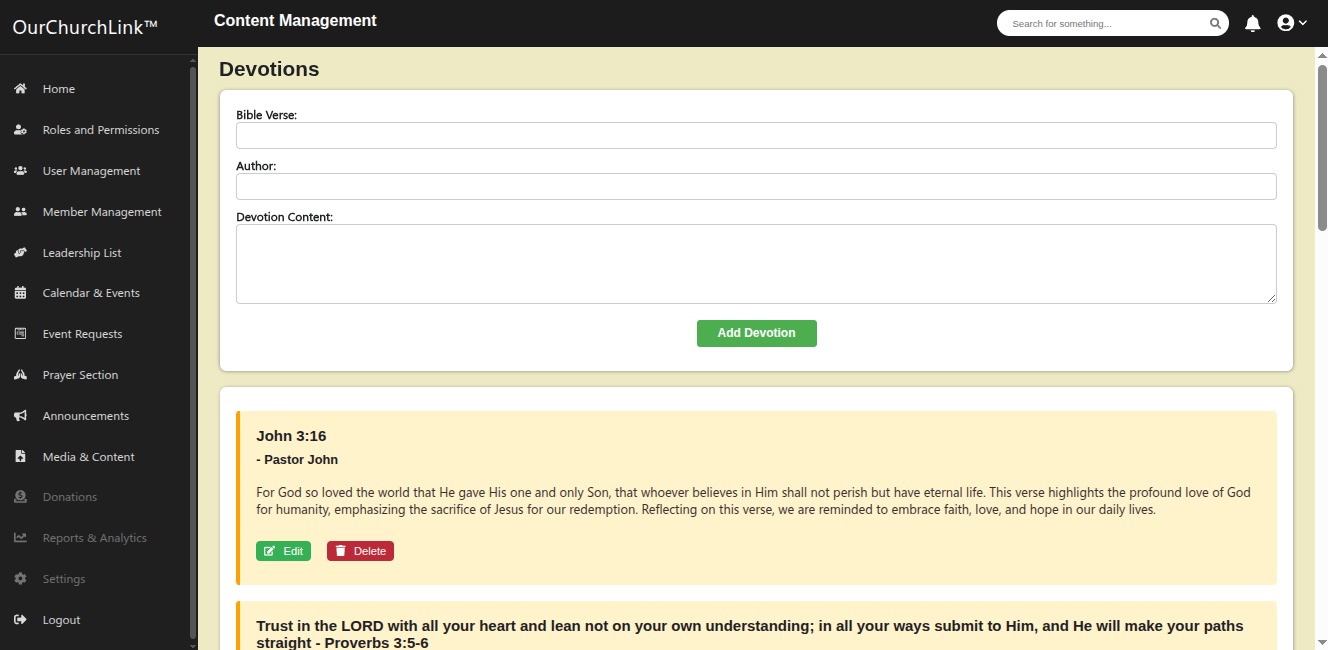
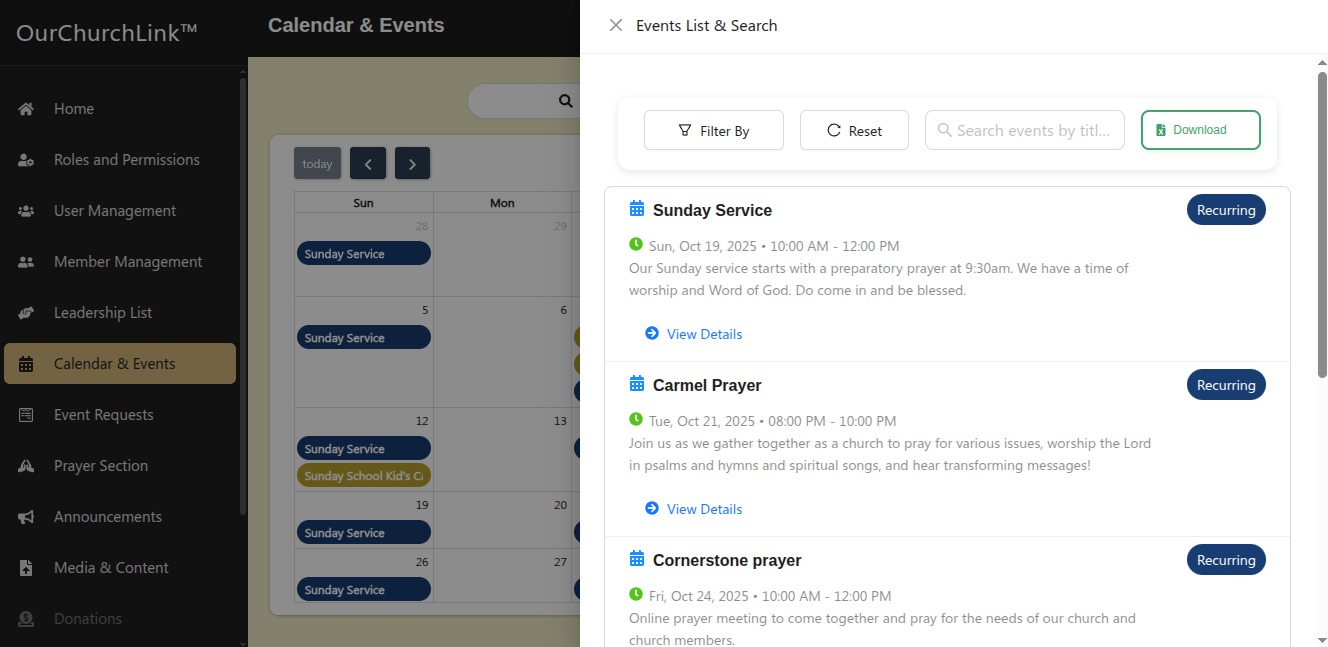
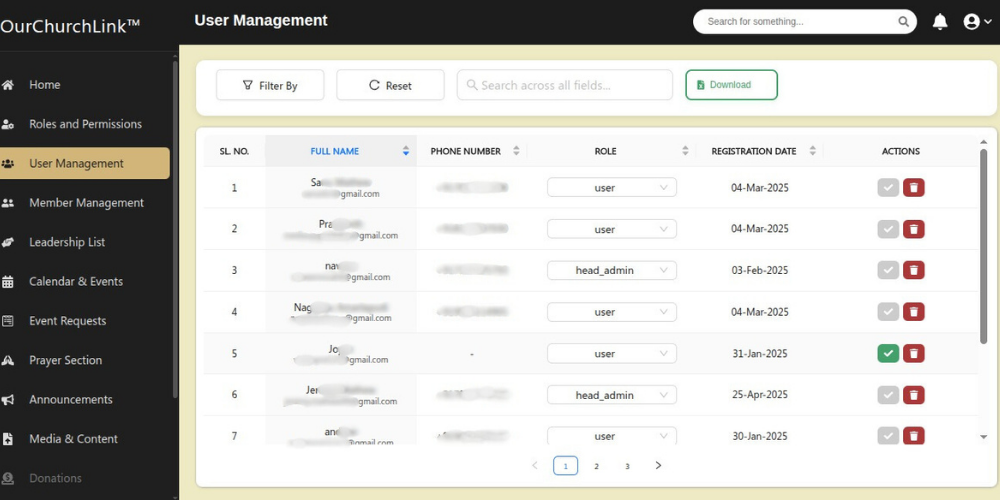
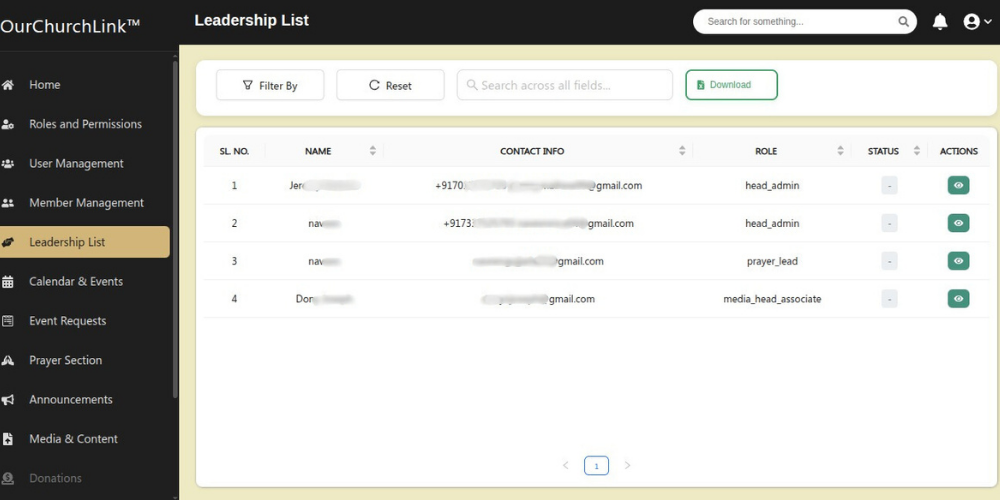
Admin Panel Screens
Church Connection Simplified

Privacy & Security
Your Data is Safe
-
All personal information is encrypted
-
Chat messages are secure
-
You control who sees your prayer requests and testimonies
Account Security Tips
-
Use a strong, unique password
-
Don’t share your login credentials
-
Log out when using shared devices
-
Report suspicious activity immediately to church administration

Updates & New Features
Staying Current
-
Enable automatic updates in your app store
-
Check regularly for new features
-
Read update notes for new functionality
Download Our Church Link
Stay Close Stay Connected